Desktop Application · Security UX
Guardian Browser
Meazure Learning's secure exam browser — a dedicated desktop client that replaced the browser extension, taking on hardware setup, support and lockdown that an extension could never reach.
30% → 16%
Download & setup support tickets
Share of total support volume. Still the largest category — but half the size.
Problem
Guardian replaced a browser extension. The case for building it starts with what the extension was already costing people.
Either way, a test taker has to install something and hand over their hardware before an exam — an extension and screen share, or a dedicated browser and screen share. The install is not the thing you are avoiding; it is a cost you are paying either way. Once that is true, the question stops being “how do we avoid asking for an install” and becomes “given that we are asking, what should we get for it?”
An extension gets you very little. It runs inside a browser it does not control, which means it cannot select hardware on the test taker’s behalf, cannot carry its own support channel, and cannot see — let alone close — anything happening outside the tab. Everything it can’t do lands on the test taker as another instruction, or on a proctor as another thing to check.
There is a second constraint, and it rules out the obvious mistake. Over 60% of our test takers are on the Meazure platform for the first time. There is no second exam to get better at it, no learning curve to amortise — whatever they meet is what they get, once, under pressure. So a dedicated browser cannot become an excuse to invent a new interface. Tabs, an address bar, a back button, all where anyone would expect them. Familiarity is a requirement, not a styling preference: the novelty budget goes entirely on the check-in flow, and none of it is available for the browser around it.
Solution
A dedicated browser costs the same install and can do four things the extension never could.
Hardware that selects itself
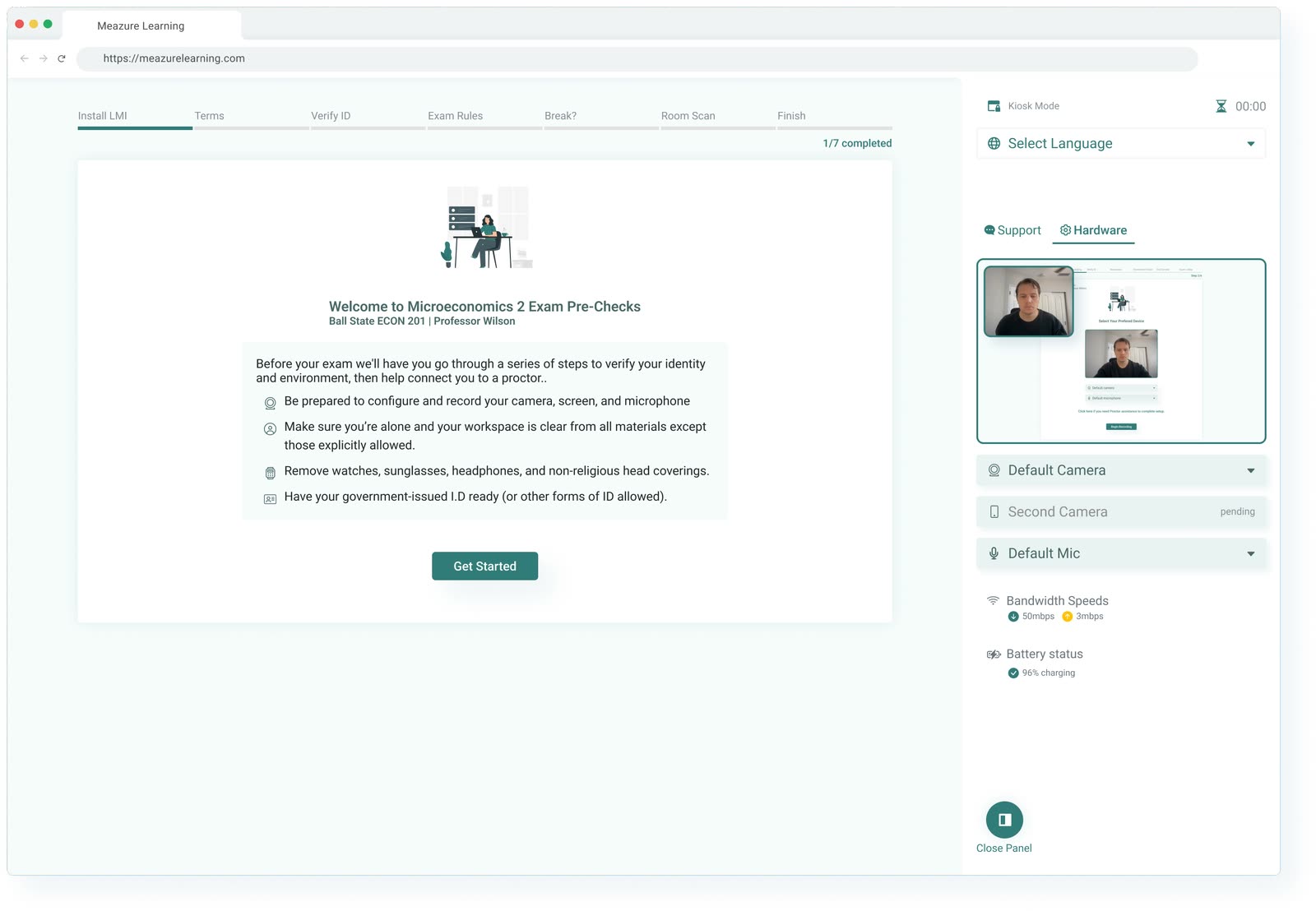
Guardian picks up the machine’s default camera and microphone and presents them already chosen, with bandwidth and battery reported alongside. The test taker confirms rather than configures. An extension can request a device; it cannot arrive knowing which one is right — so under the extension this was a menu of choices at the worst possible moment, and a common reason a launch stalled.
Support that is already installed
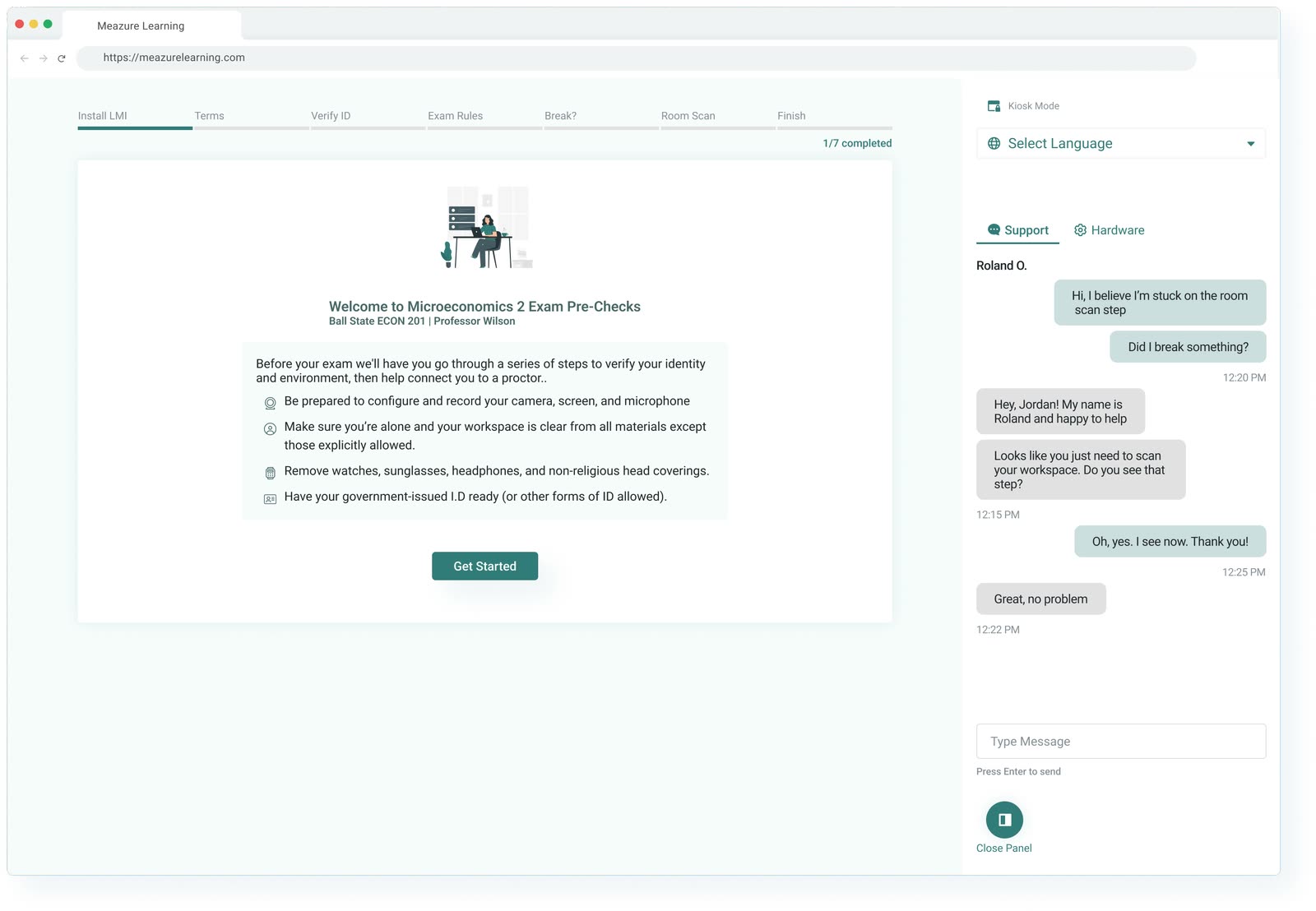
Chat is built into the client. Previously, a test taker who needed help had to download a separate LMI support app — asking someone who is already stuck, already anxious and already late to install a second piece of software before they can ask for help. Building the channel into the browser removes an install from the worst moment in the experience.
Kiosk mode
The indicator a test taker sees while kiosk mode is holding the machine — deliberately quiet, since it is a statement of state rather than a warning.
The part an extension structurally cannot do. Kiosk mode watches for third-party screen sharing, virtual machines and AI applications, and closes anything not permitted. An extension sees its own tab; a dedicated client sees the machine. That is the difference between asking someone to close their other apps and knowing that they are closed.
It is also the claim that separates Meazure from extension-based competitors: continuous OS-level enforcement for the whole session, a 400+ application scan, and virtualisation detection — while holding a strong privacy line for something with that much reach, storing no PII and clearing session data.
It updates itself before it launches you
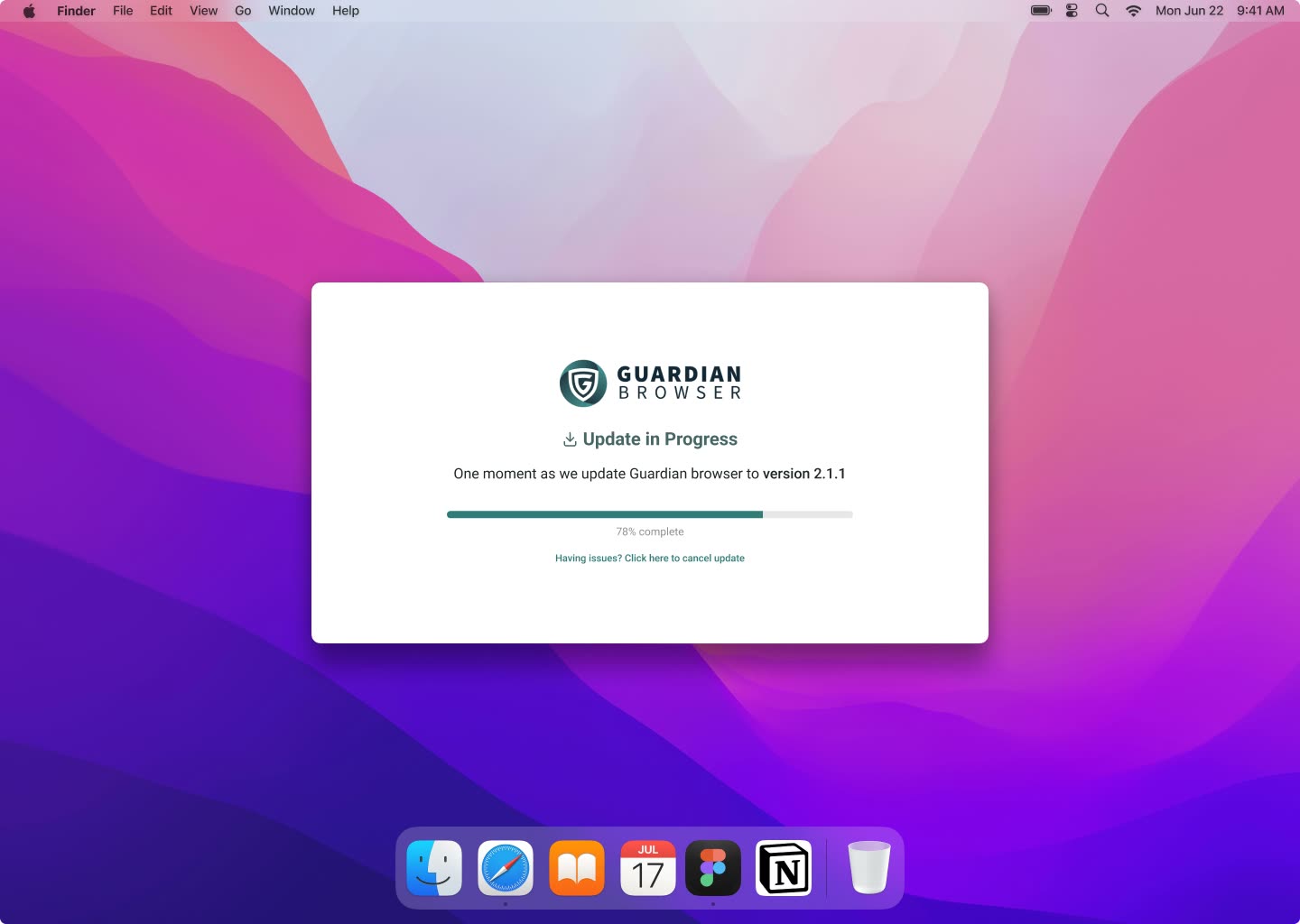
Guardian brings itself up to date before it hands anyone to an exam, rather than discovering mid-session that it is a version behind. Bugs and edge cases that would otherwise surface at the worst possible moment — with a proctor waiting and a clock running — get resolved before the session starts, in the one window where a delay costs nothing.
An extension updates on the browser’s schedule, not the exam’s. That is fine for most software and not fine for something a person only runs once, on the day it has to work.
What it moved
Support tickets are the honest measure here, because installing software is exactly the kind of thing that generates them. Download and setup fell from 30% of total support volume to 16%.
It is worth being precise about what that does and does not say. Installation is still the single largest support category — asking someone to install software before a high-stakes exam has a floor, and we did not get under it. But it is half the size it was, and it got there by taking the causes off the test taker: the hardware selects itself, help is already installed, and the client is up to date before it starts.
The design problem underneath
Everything above buys capability at the cost of trust. Before Guardian can select a camera or close an app, the operating system makes the test taker grant camera, microphone and screen-recording permission — one modal at a time, in a different order on macOS 12, macOS 15, Windows 10 and Windows 11. We recorded a separate walkthrough for each, which is its own evidence of how fragmented that is.
And denial is unrecoverable in-app. Once a permission is refused, the fix lives in System Settings, not in the product; the app can only explain, then wait for someone to leave, change something and come back. Designing for that means designing a round trip you don’t control, for someone who may miss an exam they waited weeks and paid for if it goes wrong.
So the surfaces that mattered most were the least glamorous ones: onboarding that walks someone to a launchable state, per-OS permission guidance rather than one generic set, and the in-exam sidebar — the only place a locked-down browser can offer help without breaking its own lockdown. The security machinery is only worth as much as the number of people who get through setup to be protected by it.